Makon
AI room design · plan · 3D

Design your roombefore you move a thing.

Photograph a room or start from a ready-made one. Makon turns it into a measured plan, a 3D room you can walk around, real furniture that fits and an AI redesign of your own photo.

01 · Plan

Your walls,
measured.

Draw the room or trace it from a photo. Set one real length and every wall, door and window scales to match.

02 · 3D

Walk around it
in 3D.

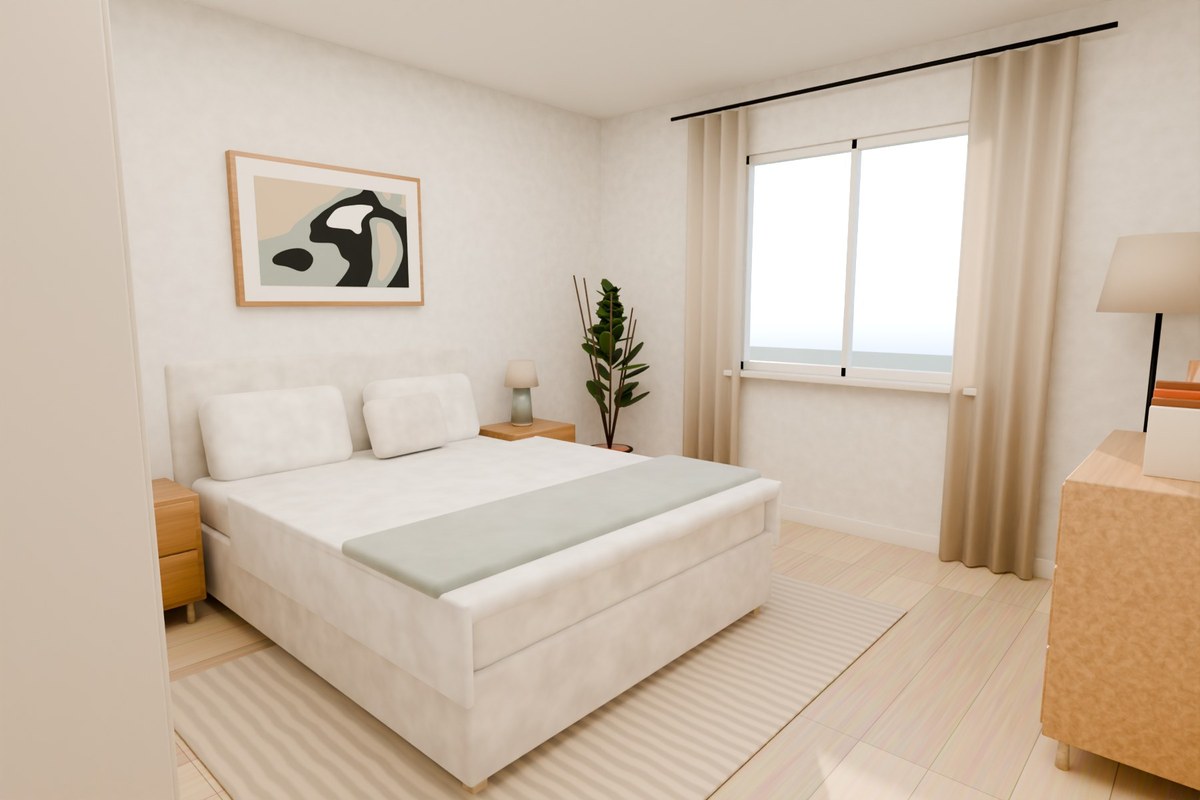
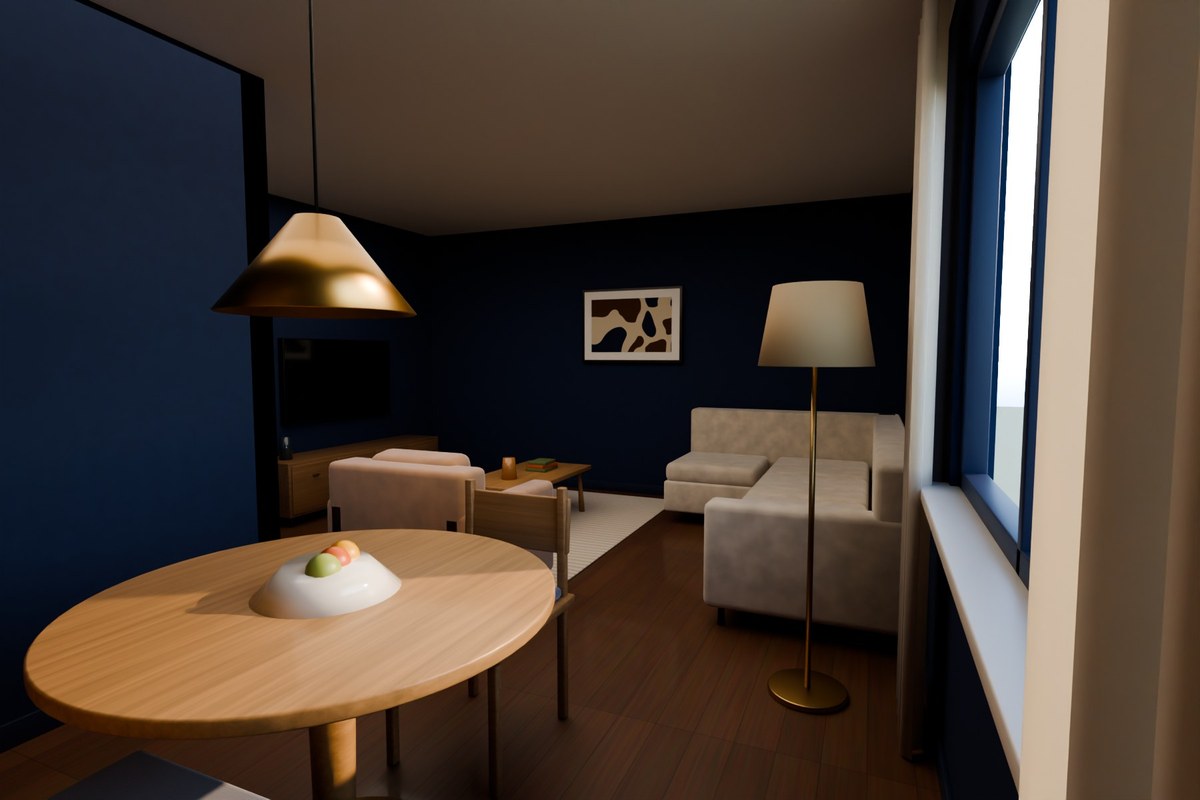
The plan rises into a room you can turn, tilt and zoom — just drag, like a map.

03 · Furnish

Furniture that
really fits.

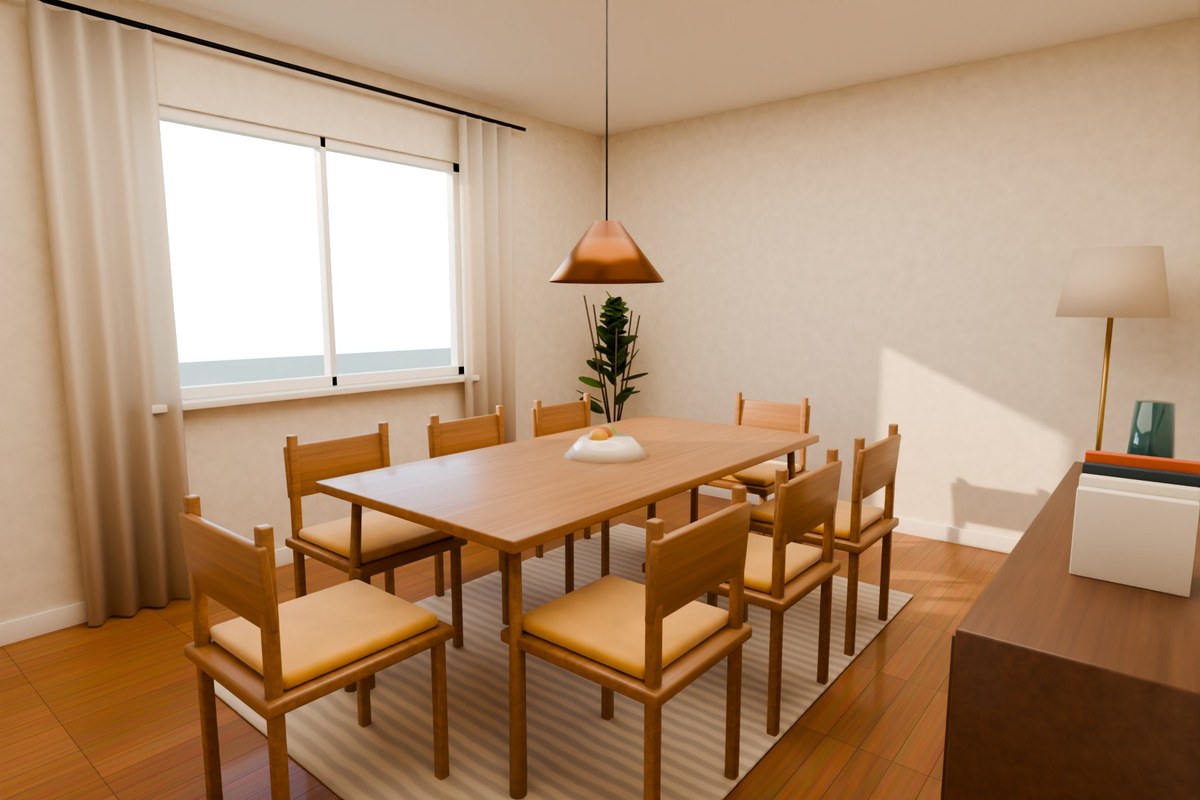
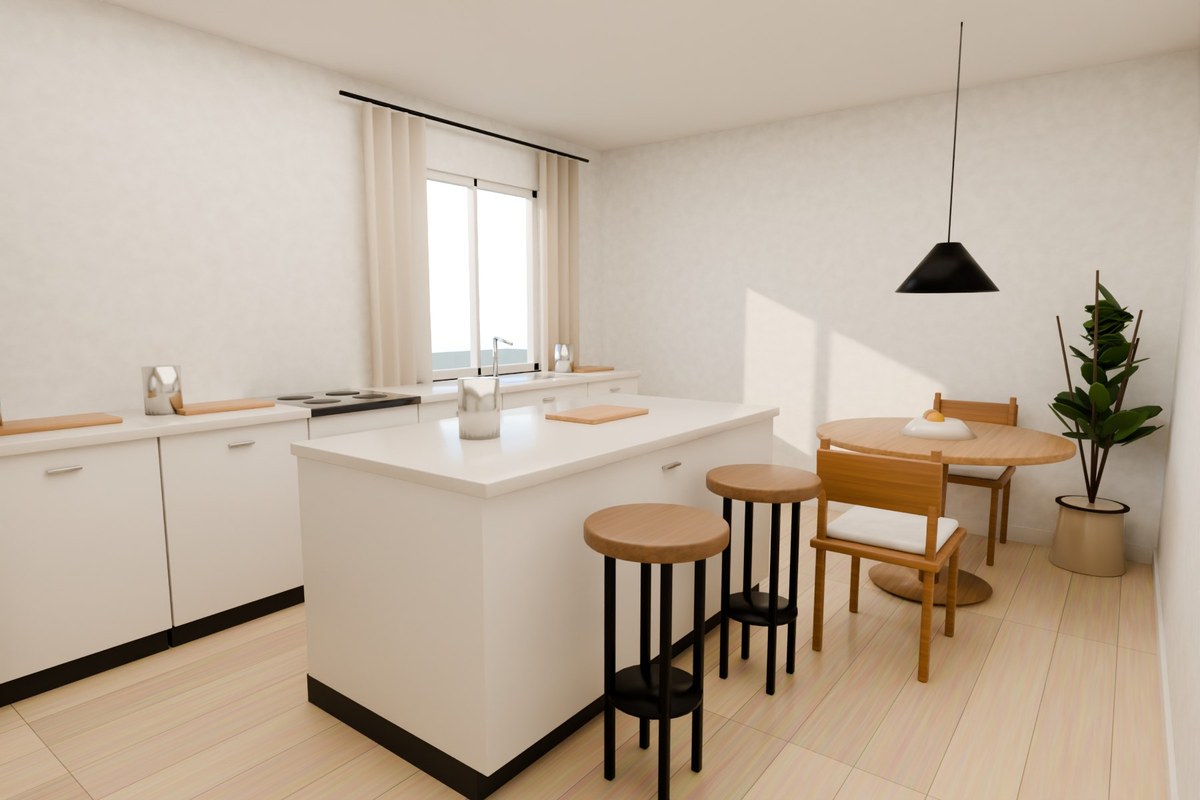
Real-size pieces drop into place. Makon warns you about blocked doors and tight walkways before you buy anything.

04 · Light & redesign

Day, night
and your own photo.

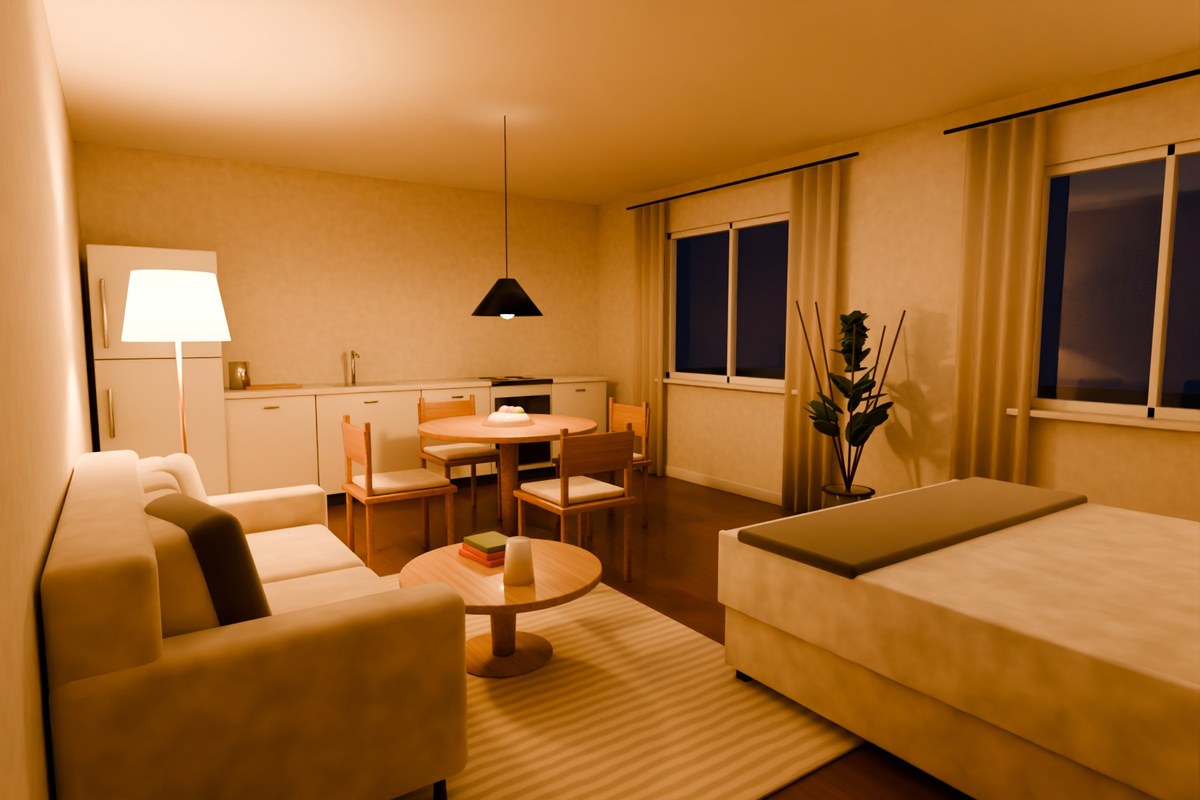
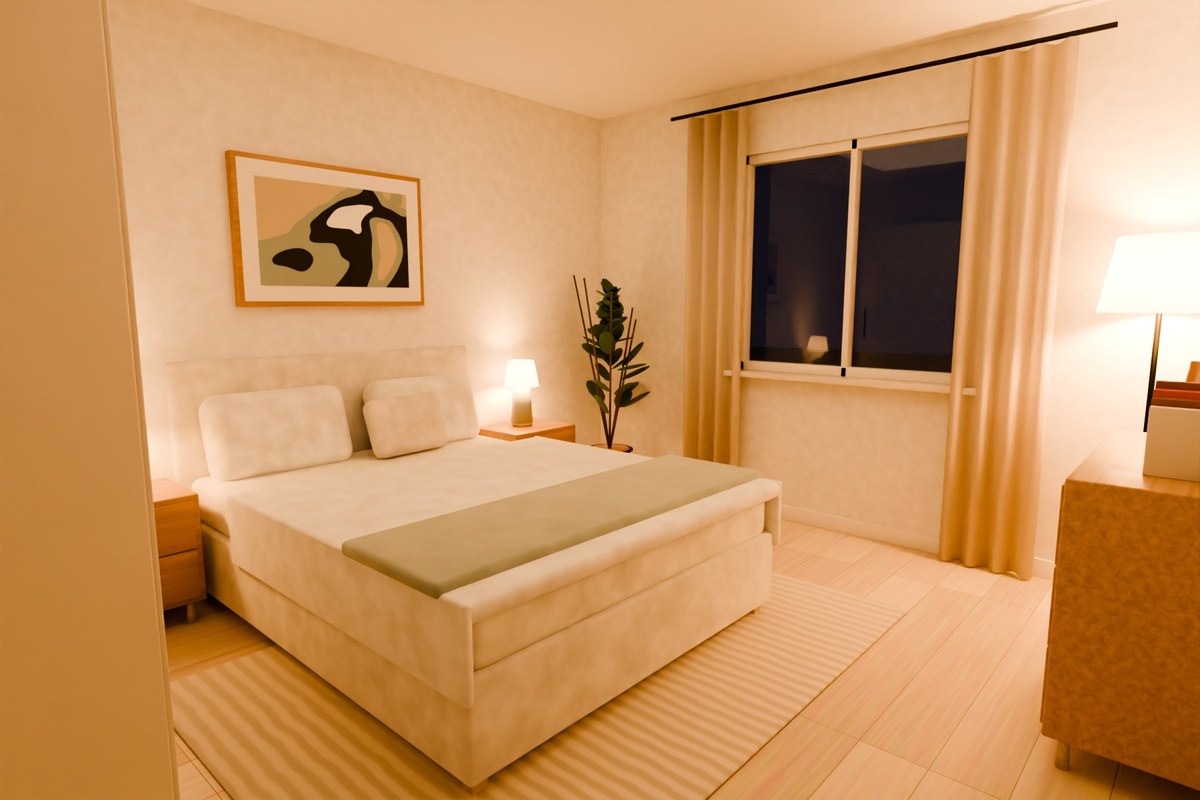
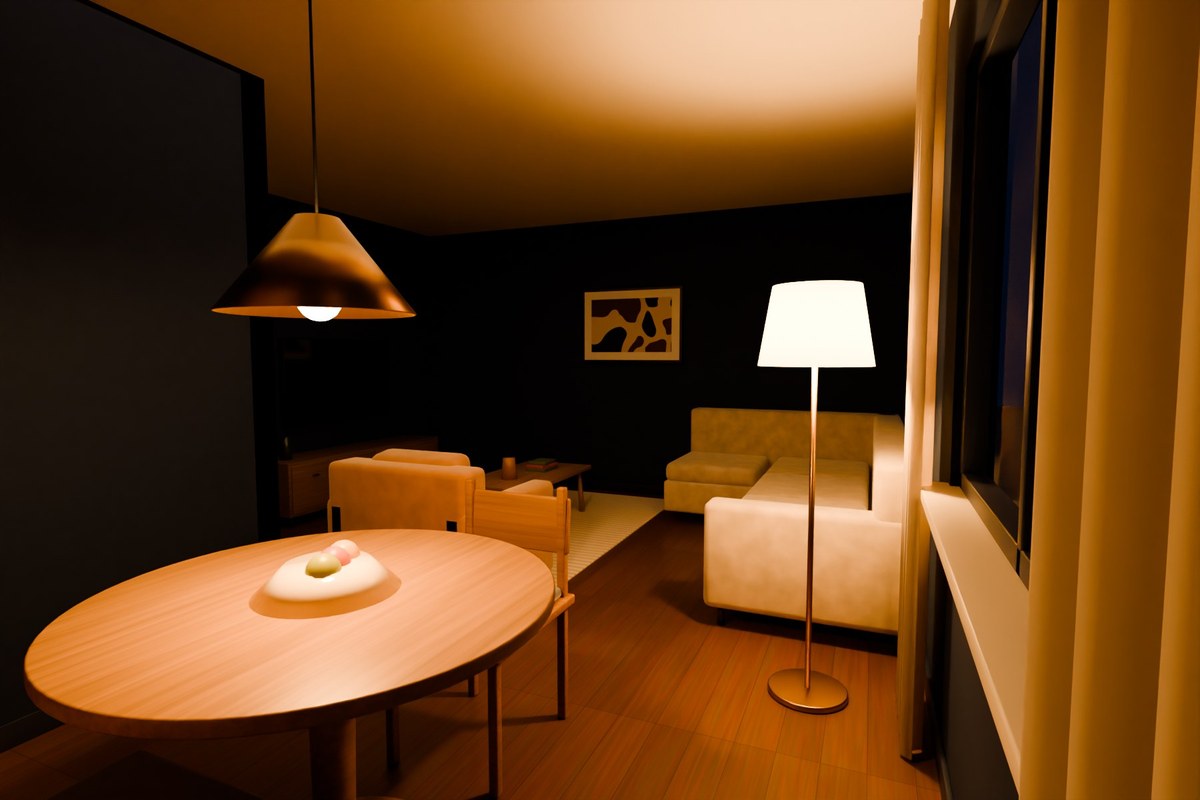
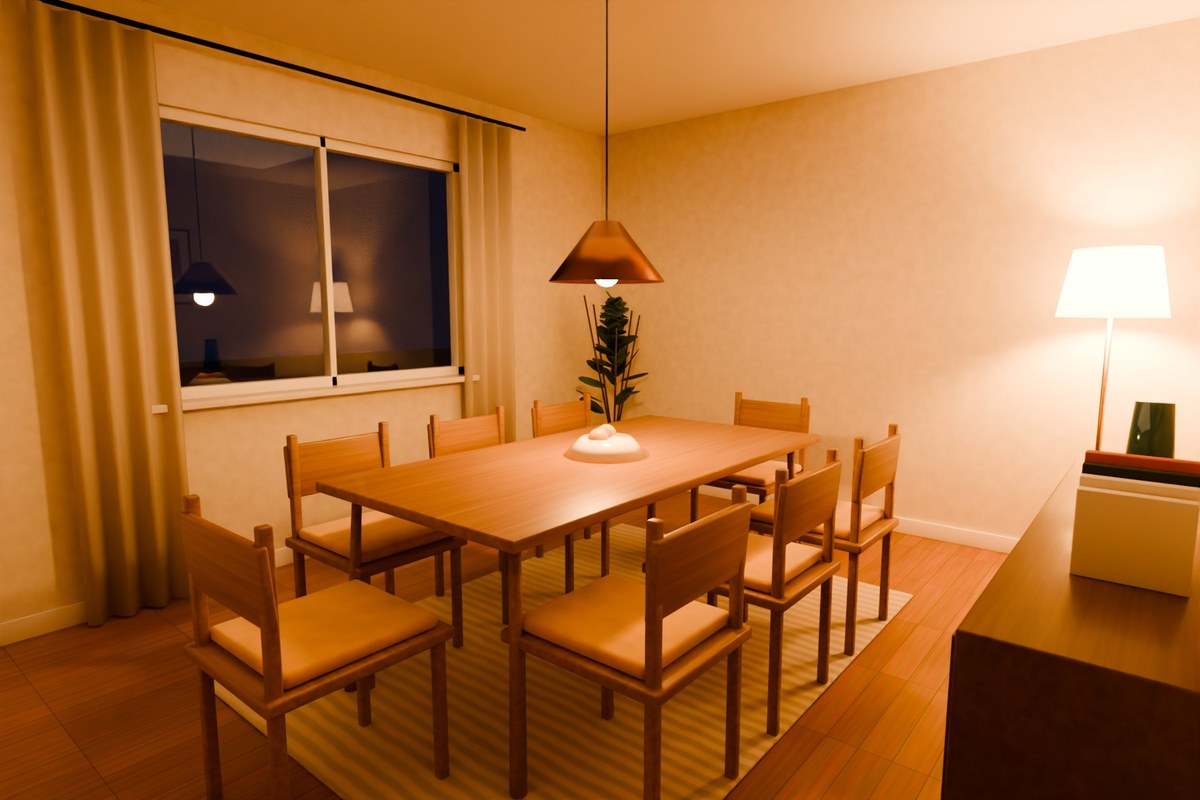
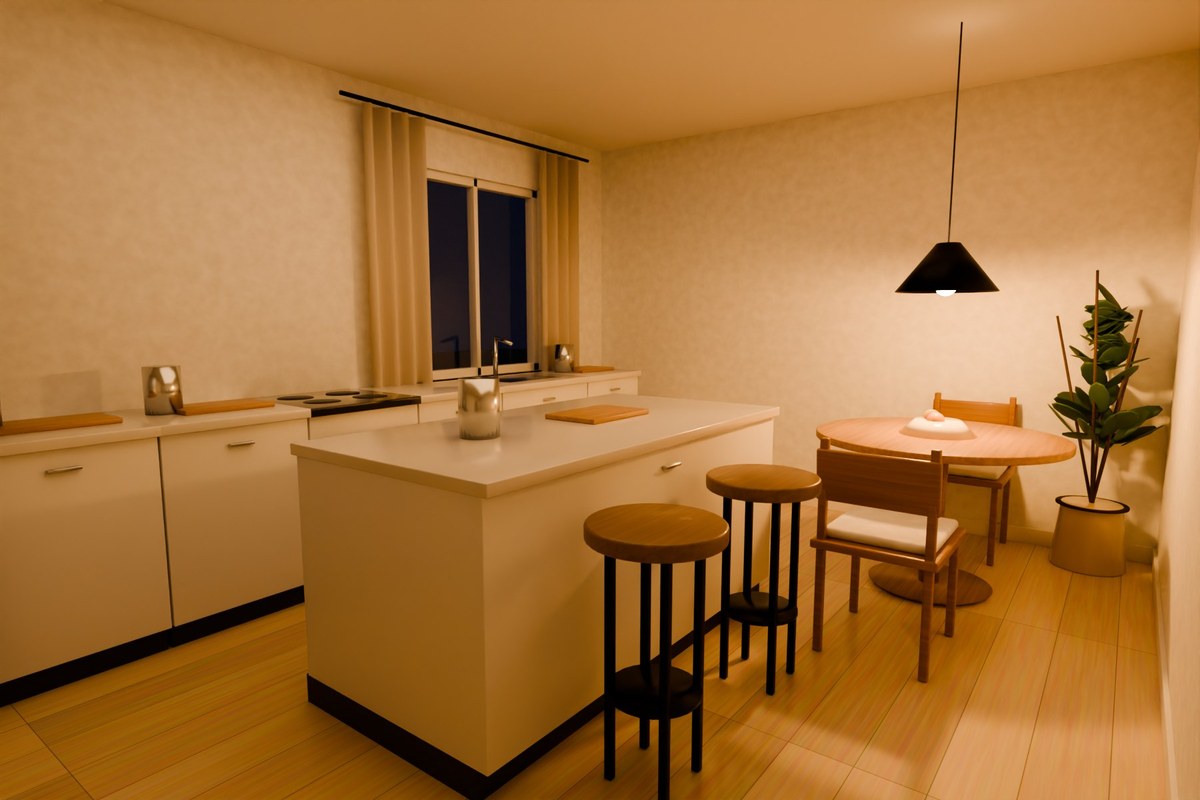
Switch the lamps on, then let AI redesign the real photo of your room in the style you choose.

Drag to turn the roomSwipe sideways to turn · scroll to see how it works ↓
And on a real photo

Your room,
redesigned by AI.

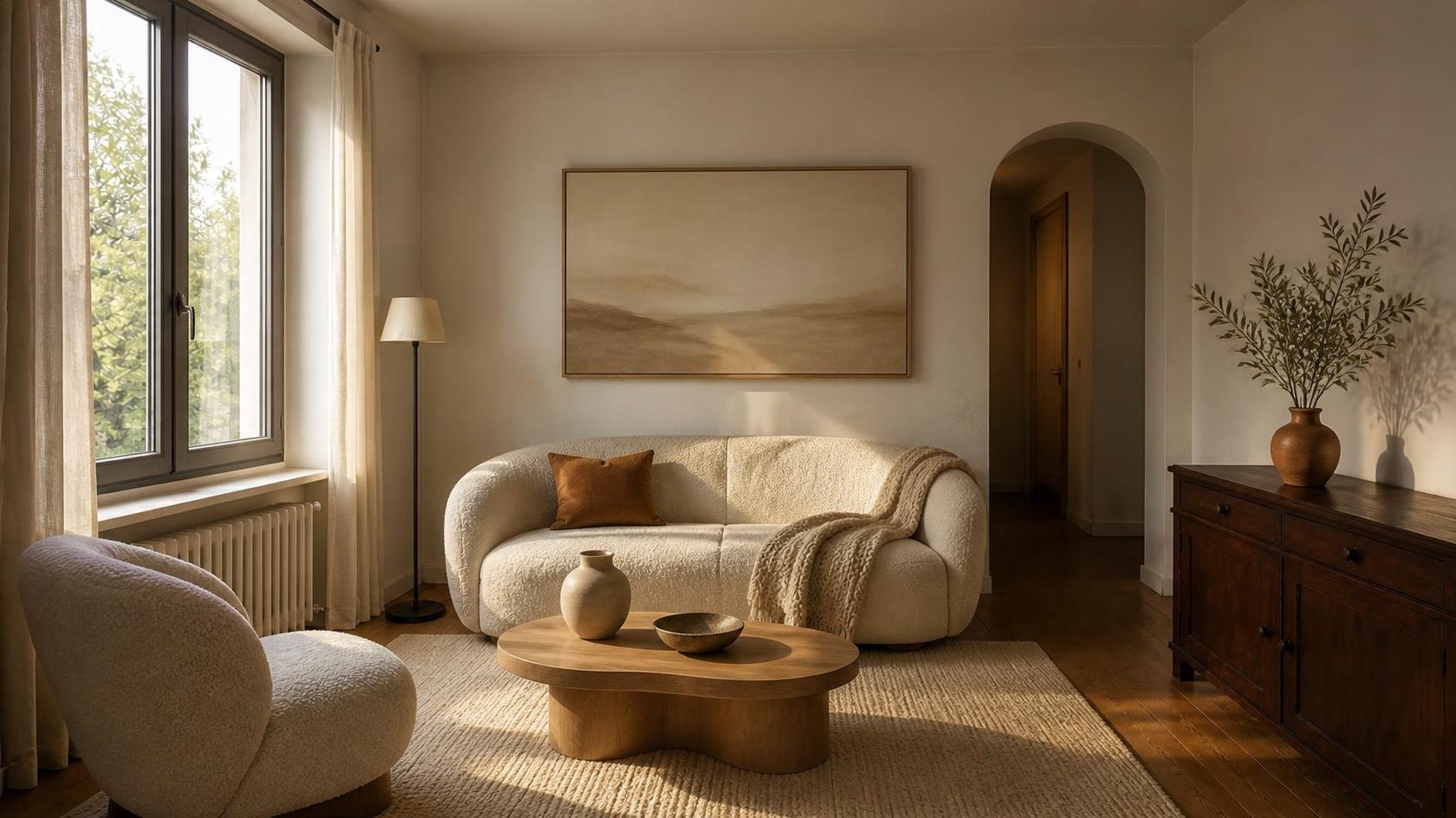
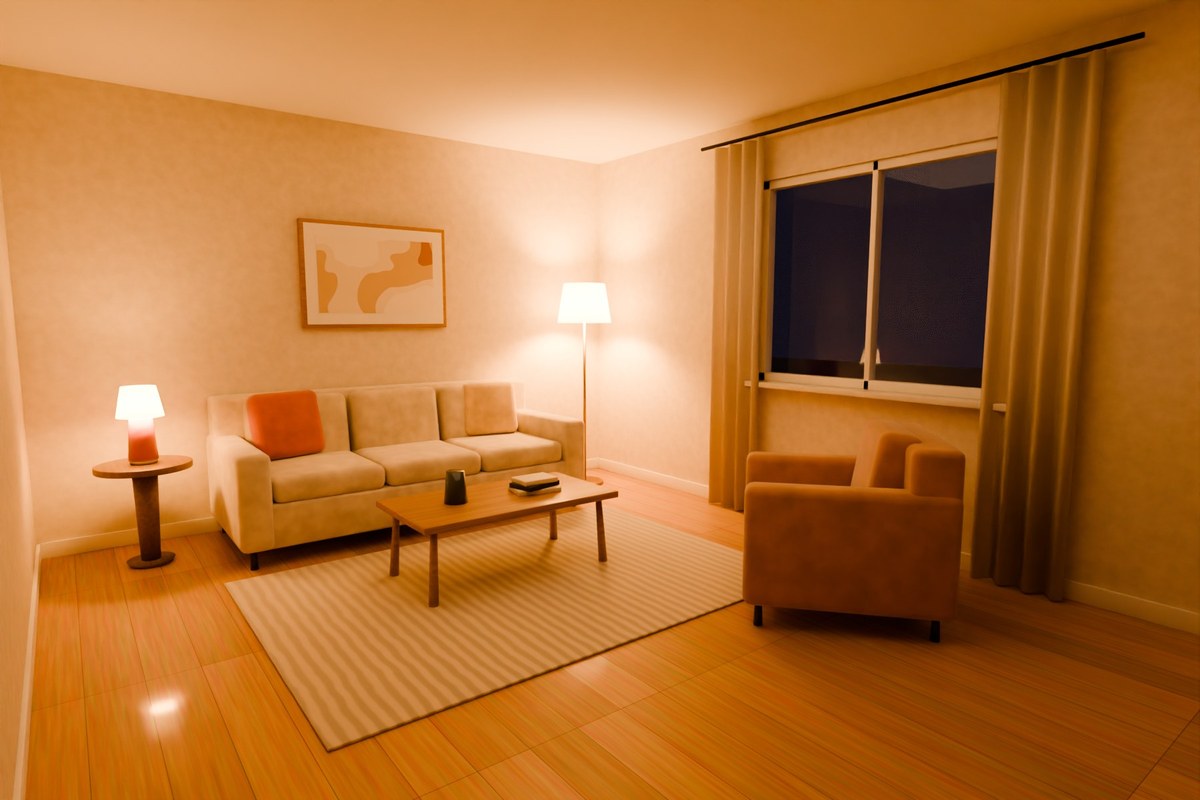
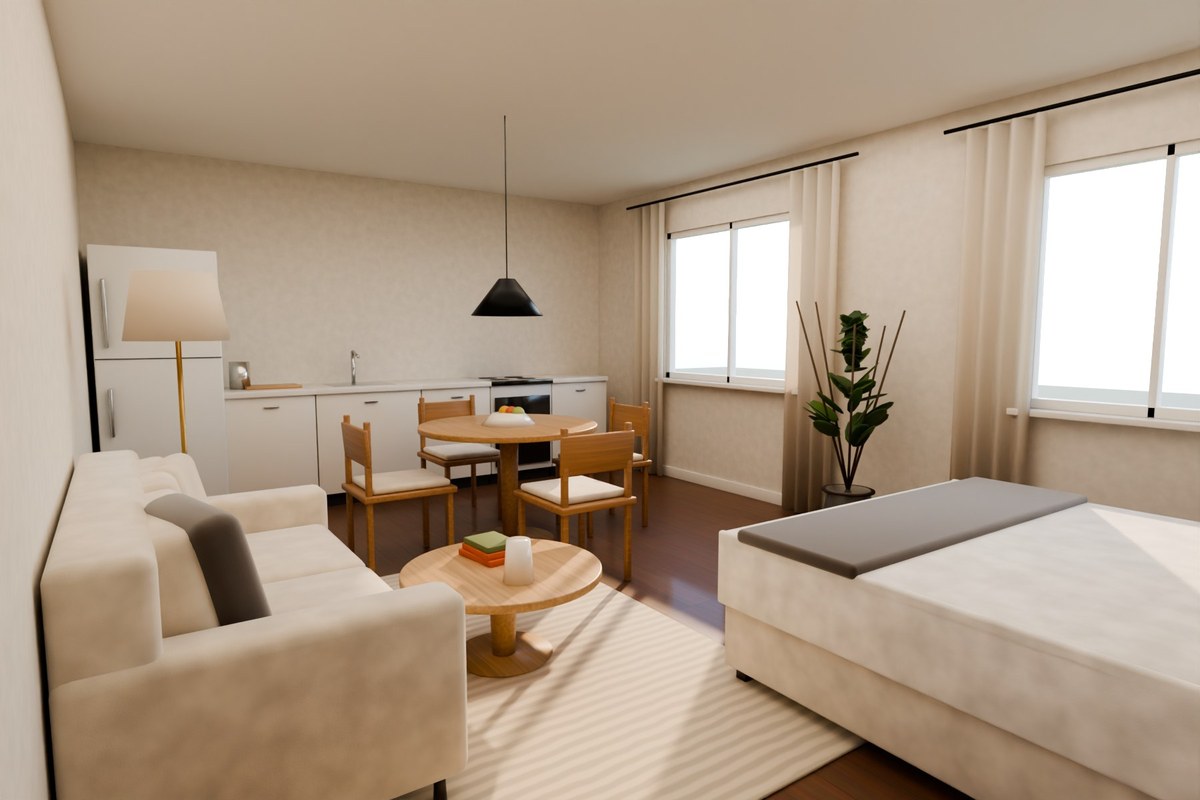
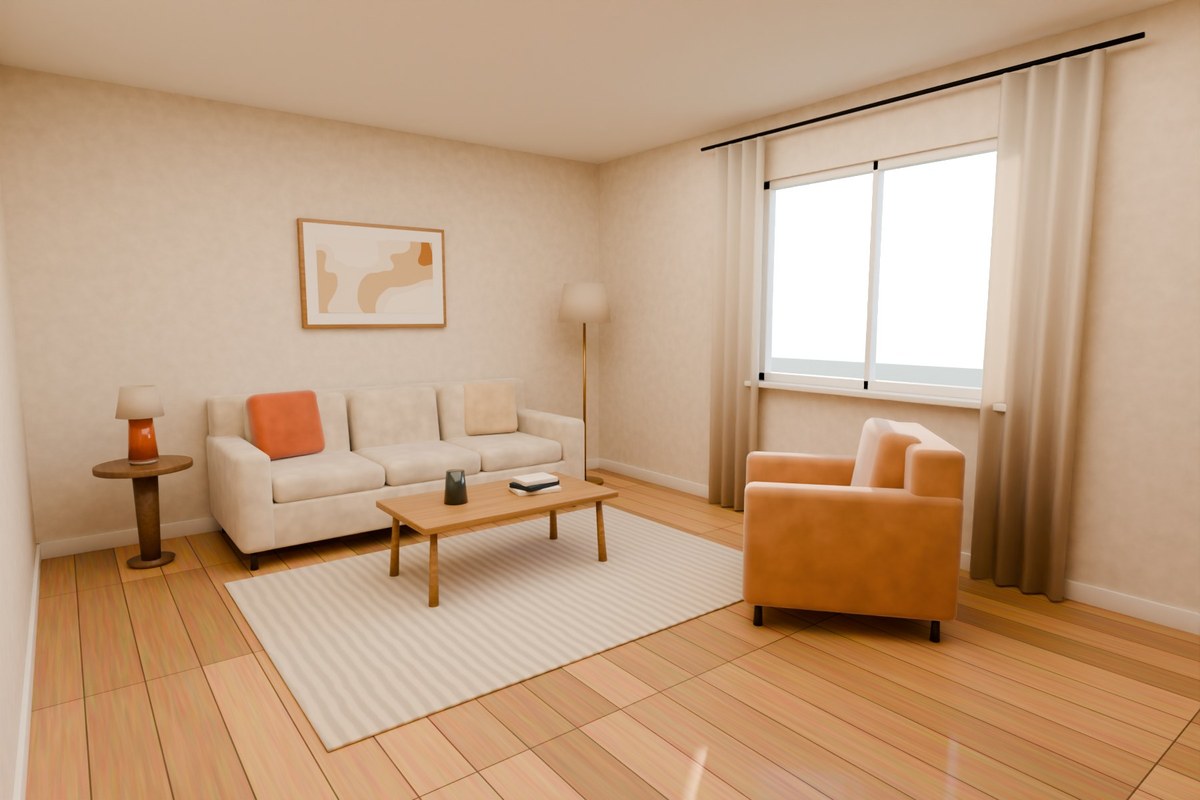
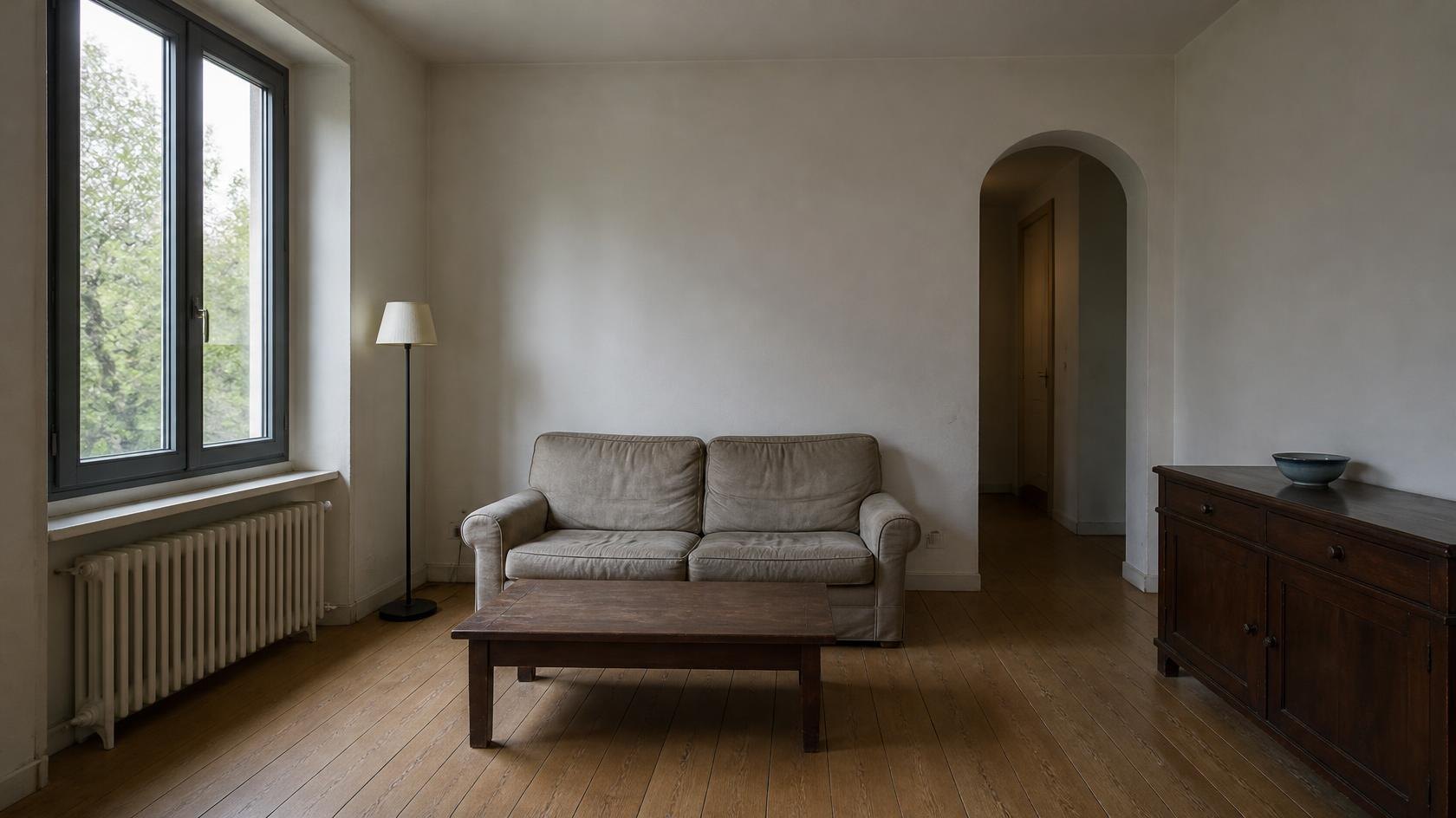
Upload one photo and pick a style. Walls, windows and light stay exactly where they are — only what sits inside changes. Drag the line to compare.

Try it on your room →
The living room as it is today The same room redesigned by Makon BeforeAfter
Templates

Rooms people
fall in love with.

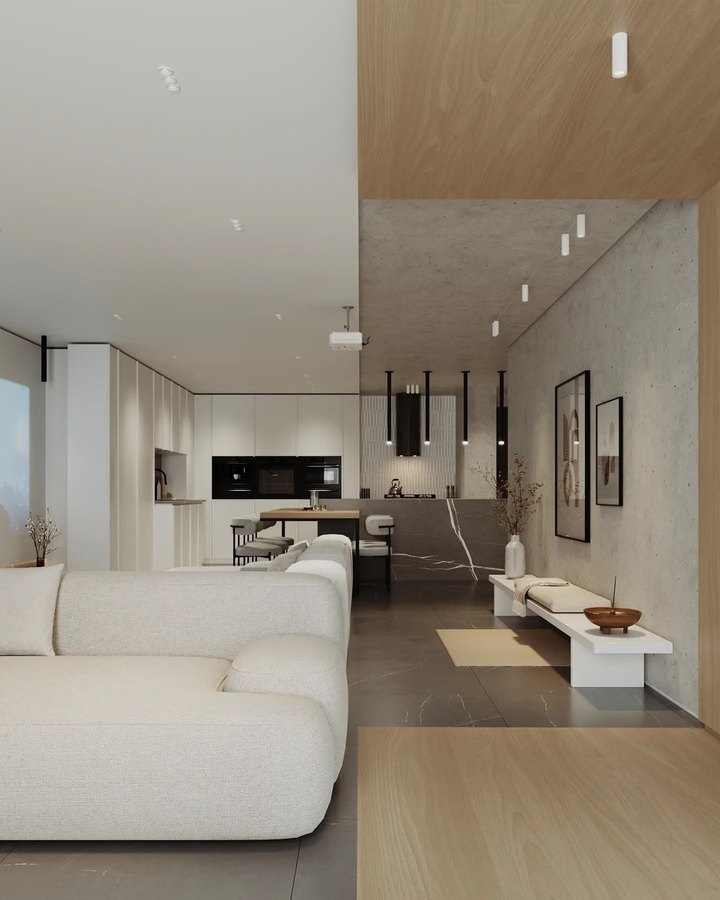
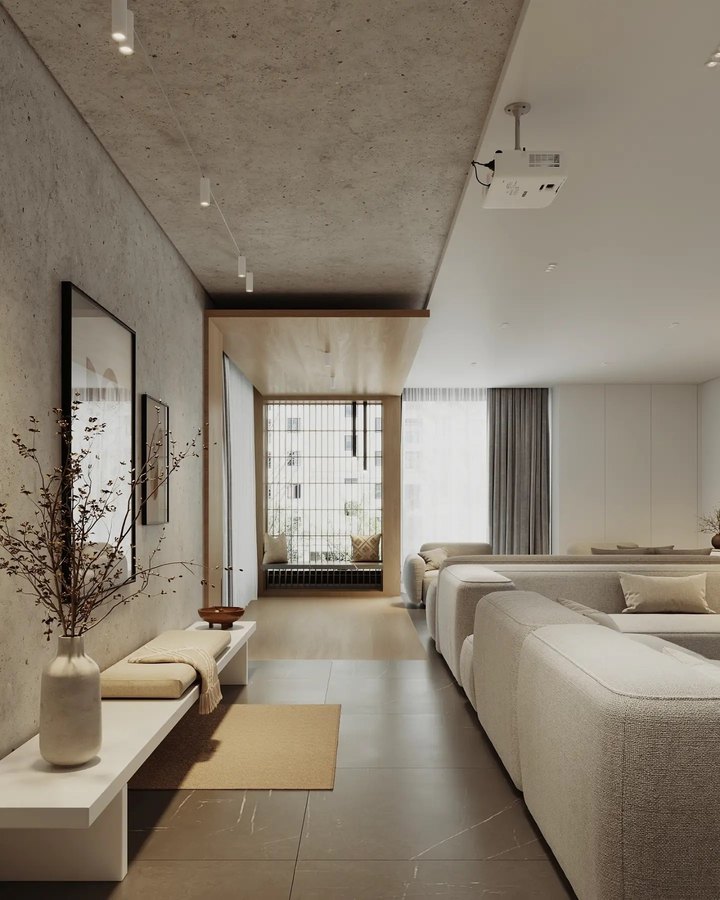
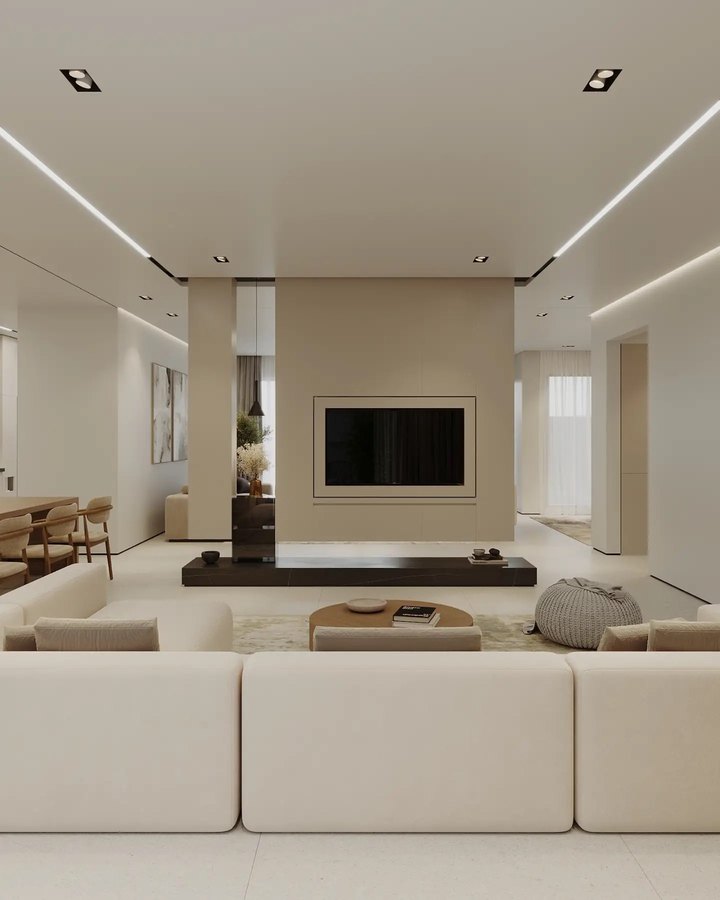
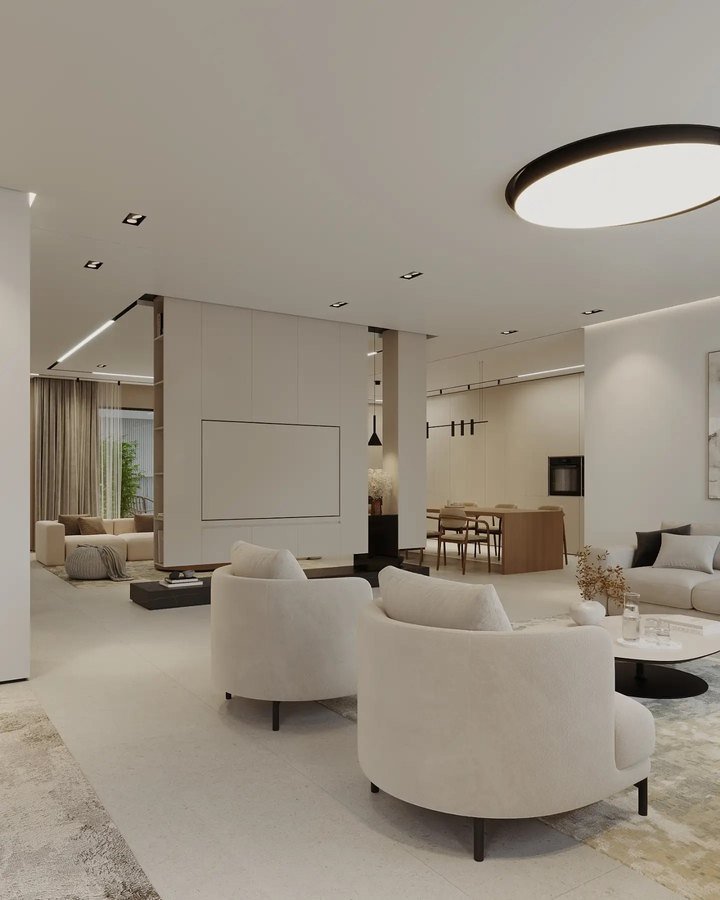
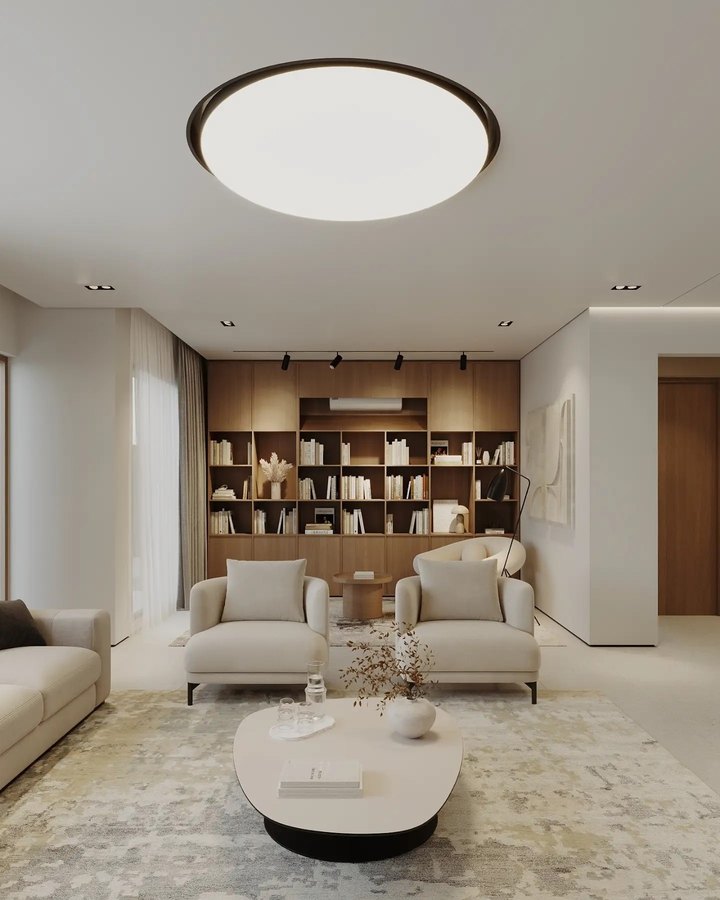
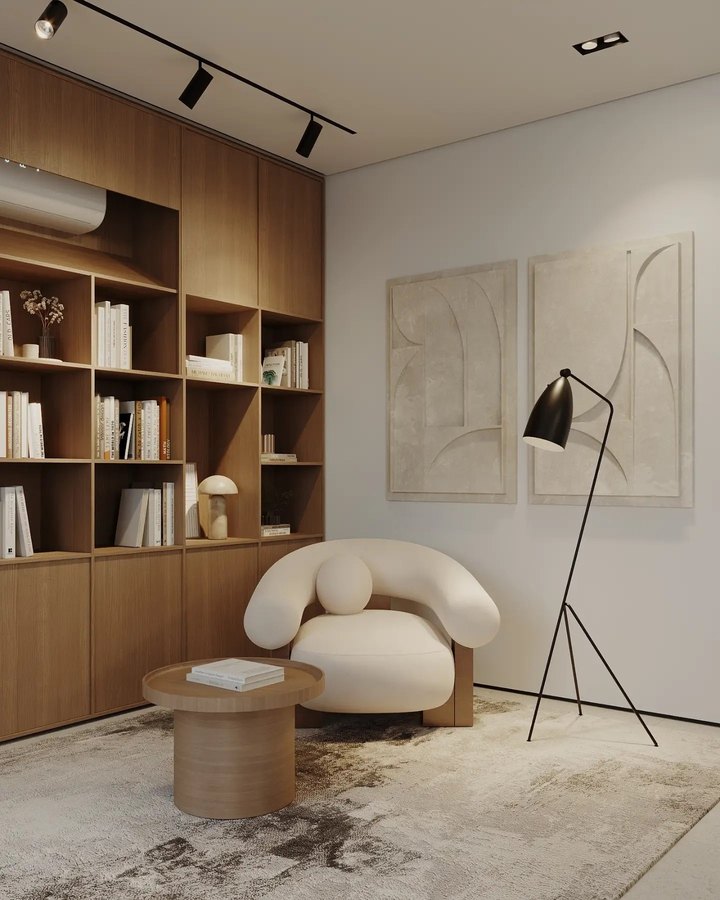
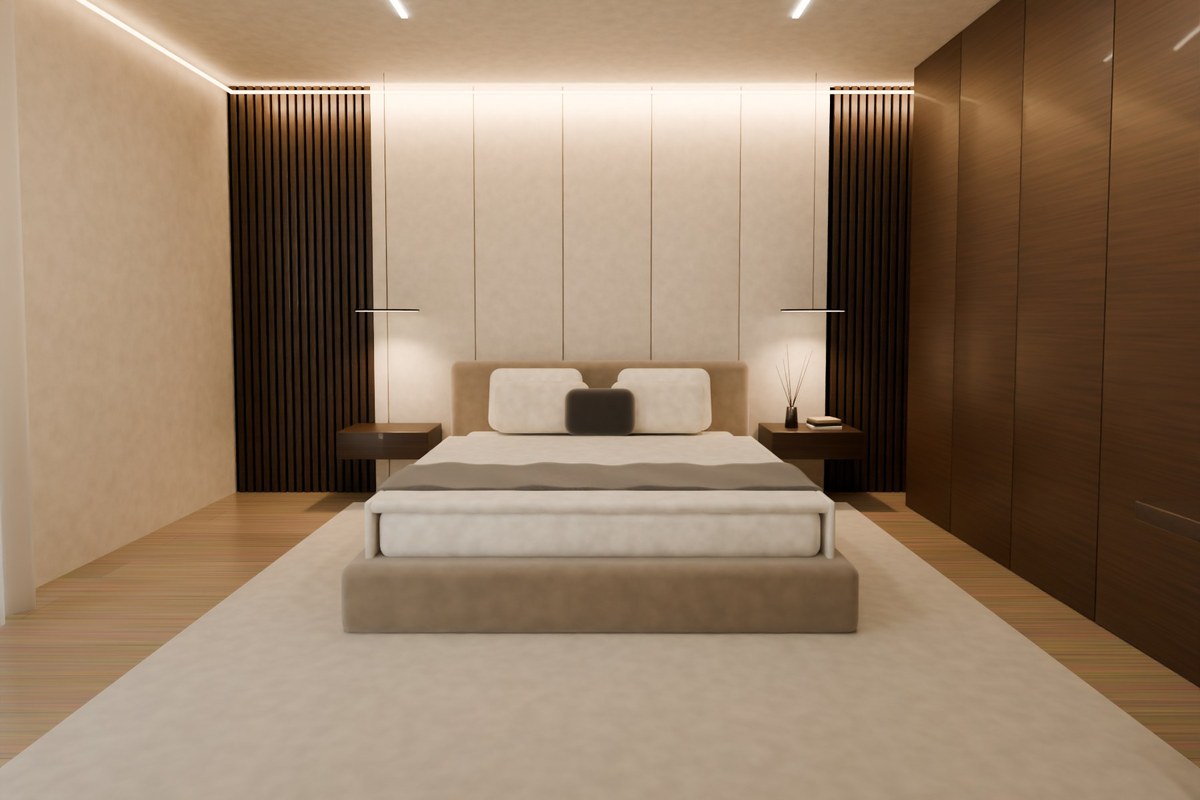
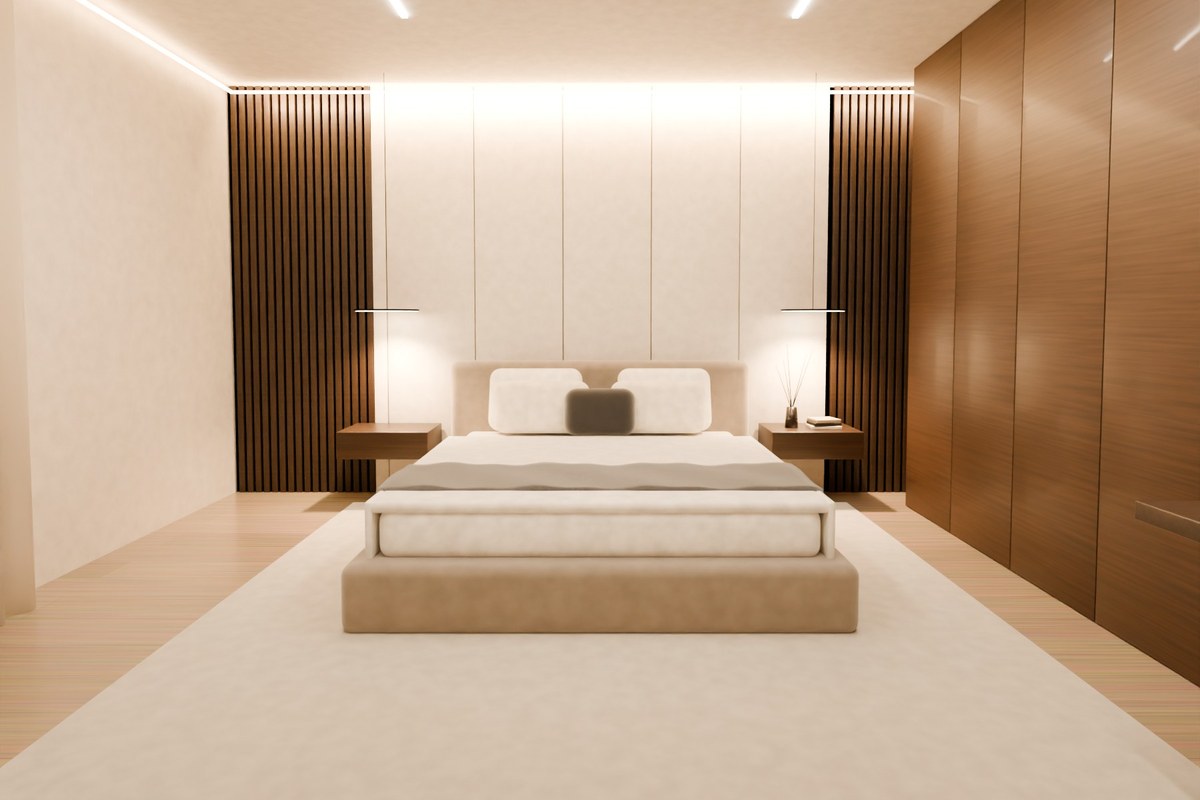
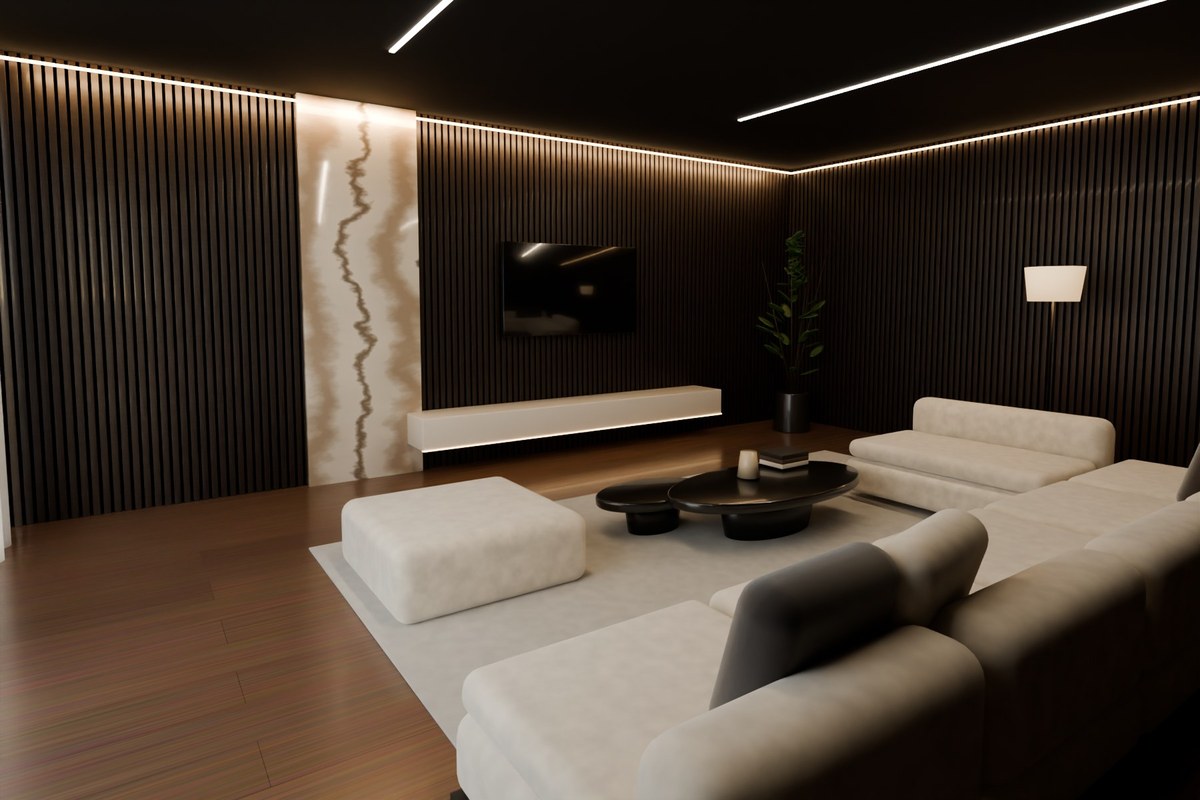
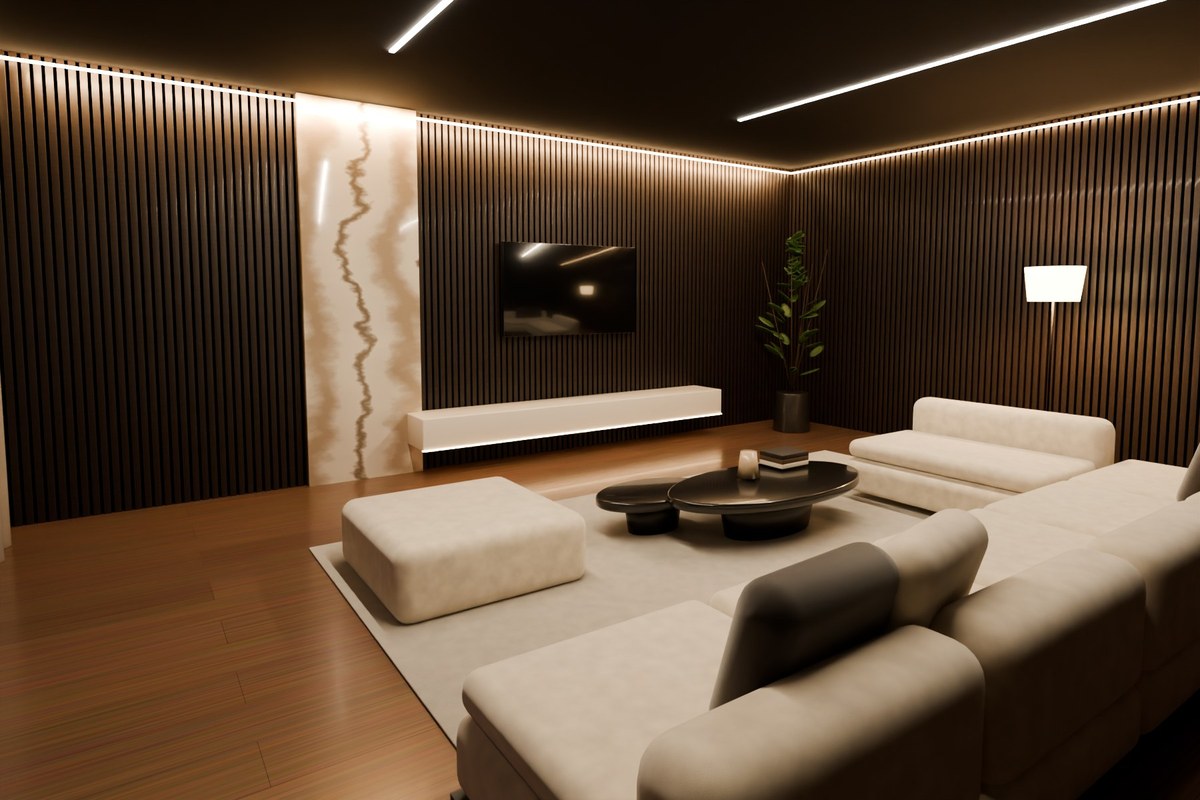
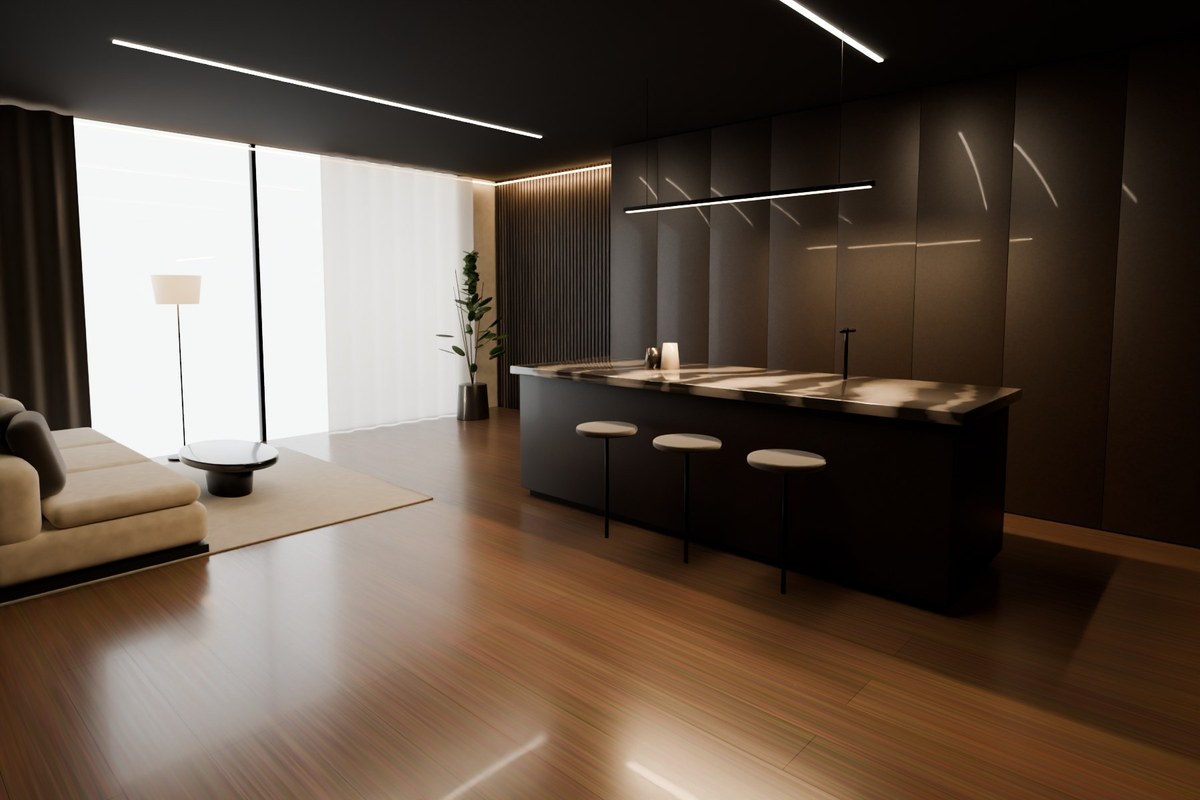
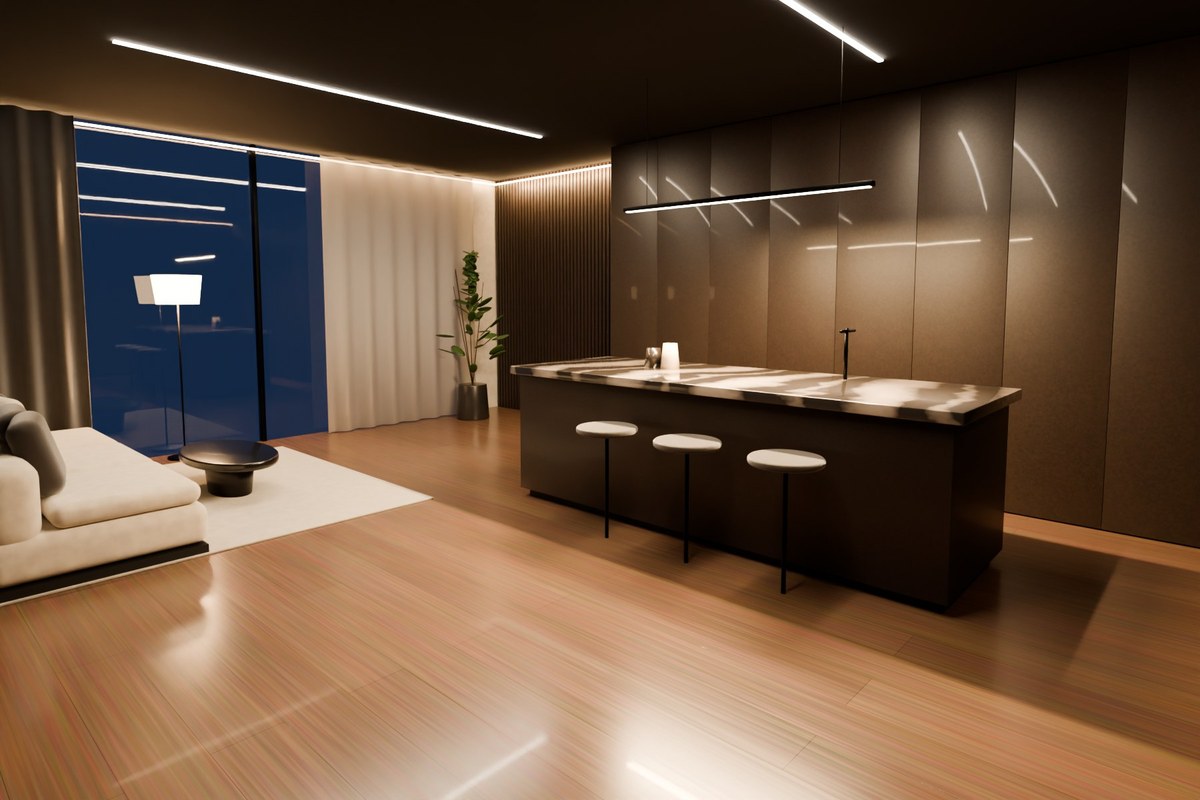
Our Signature interiors and ready-made rooms with real plans, furniture lists and films. Open one, change anything, or put its look on a photo of your own room.

See all templates →
13interior styles
15rooms to start from
5free AI renders a day
0sign-ups needed to start
In motion

Rooms you can
almost walk into.

Short films of rooms designed in Makon. Tap one for sound — and follow along for a new room every week.

Follow @makon.build ↗
Makon in 10 seconds
Ivory Residence
Concrete & Oak House
Kitchen, before → after
Questions

Good to know

The things people ask before they start.

Is Makon really free?

Yes. Planning, 3D, furnishing, templates and the build brief are free with no card. Every person also gets 5 free AI renders a day (they reset at 05:00 Tashkent time), and instant mood previews are unlimited.

Do I need design skills, an app or an account?

No. Makon runs in your browser on a phone or a computer, and you can start without signing up. Take one photo, pick a style you like and Makon does the rest — or start from a ready-made room and change what you want.

What will my room look like — will it still be my room?

Yes. Makon keeps the walls, windows, doors and light of your photo and only redesigns what sits inside: furniture, colours, materials and decor. You choose what to keep, and it stays locked.

How do I take a good photo of my room?

Stand in a corner or the doorway, hold the phone at chest height and take it in landscape, in daylight, so most of the room and at least one window are in view. One clear photo is enough.

How long does a redesign take?

A mood preview appears instantly. An AI render usually takes under a minute. You can try another style, or ask for changes in plain words — “warmer wood, keep the sofa”.

Can I buy the furniture I see — and what will it cost?

Every piece has its real size and “Shop similar” links to Google, IKEA and Amazon. Makon never makes up prices: you type what you'd pay for the pieces you choose and the budget adds it up.

Will the furniture actually fit in my room?

Draw or trace your room's plan, measure one wall with a tape and everything scales to real size. Makon then warns you about overlaps, blocked doors and walkways that are too tight — before you buy anything.

Can I copy one of the template rooms for my own home?

Yes. Every template has a “Get this look” list — colours with their codes, materials and a shopping list with sizes. Press “Use this look on my room” to put that style on a photo of your own room.

What do I get to show a builder or a shop?

A build brief you can print or save as PDF: paint and flooring quantities, the furniture list with sizes, your budget and timing — plus the floor plan, 3D views and before-and-after pictures.

Is my photo private?

Your projects are saved in your own browser, not on our servers. When you ask for an AI render, the photo is sent to the image service only to create that picture. You can export any project as a file and delete it any time.

From the room you have
to the room you want.

Free · no sign-up needed · works on your phone